 Guessing Game
 Launcher
 Music Launcher
 Notcho
 Remarkable Text To Speech
 RoboGuru
 Smart Photo Widget
 TV Art Gallery
 Voice Copilot
Launcher v5.5 Press Page
Release: Monday, September 18, 2023
What is Launcher?
Launcher was the first app launching widget on the App Store, released on the same day as iOS 8 back in September 2014.
Since then, Launcher has added more innovative features to keep its crown as the app with the most powerful widgets on the App Store.
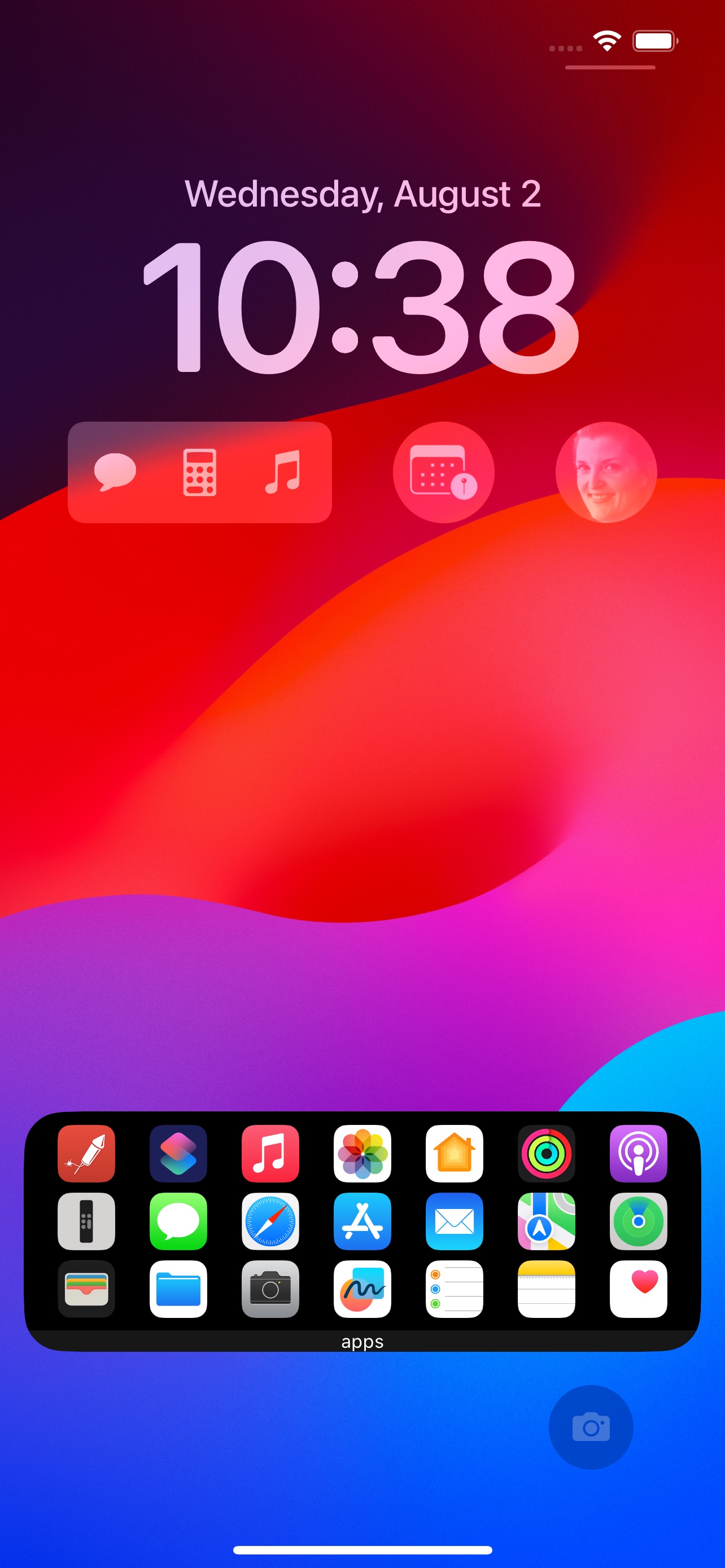
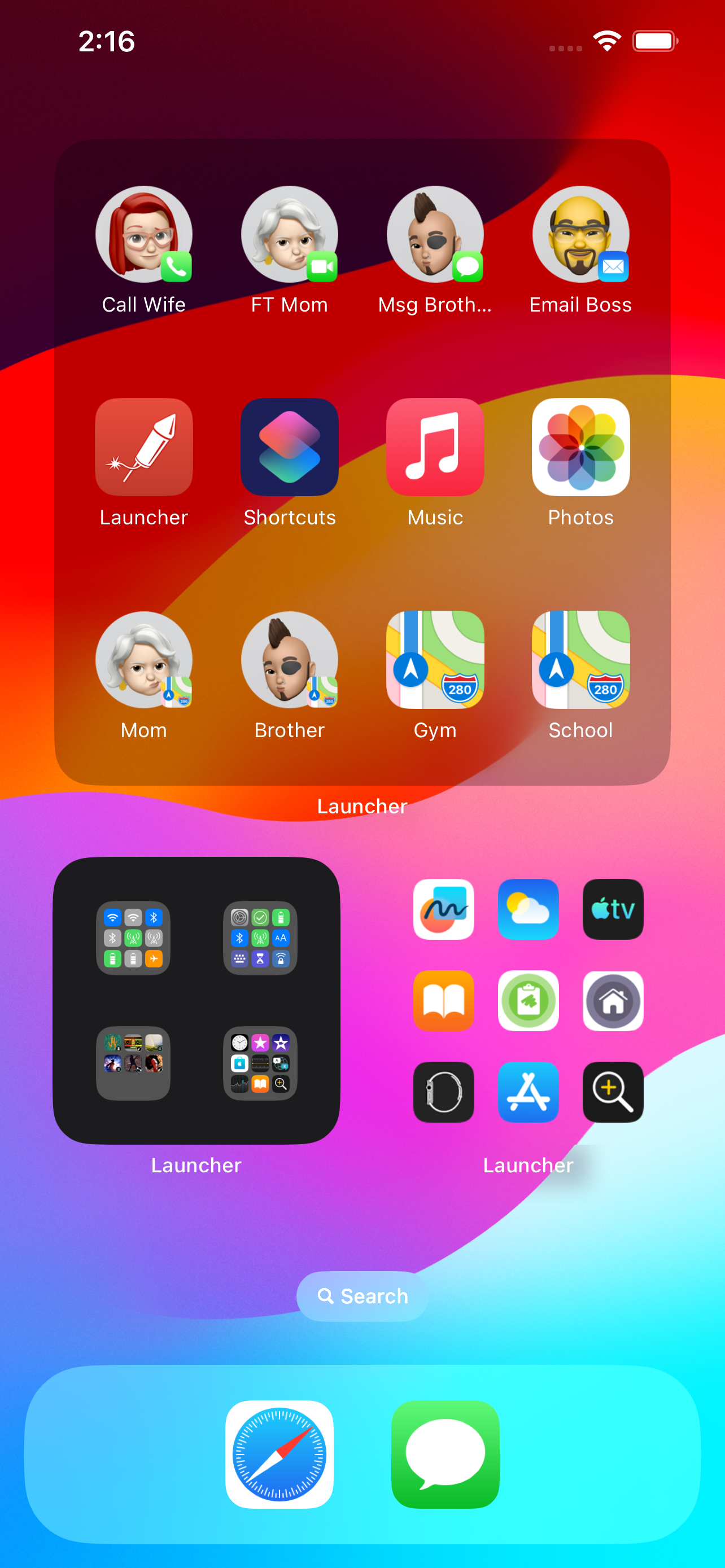
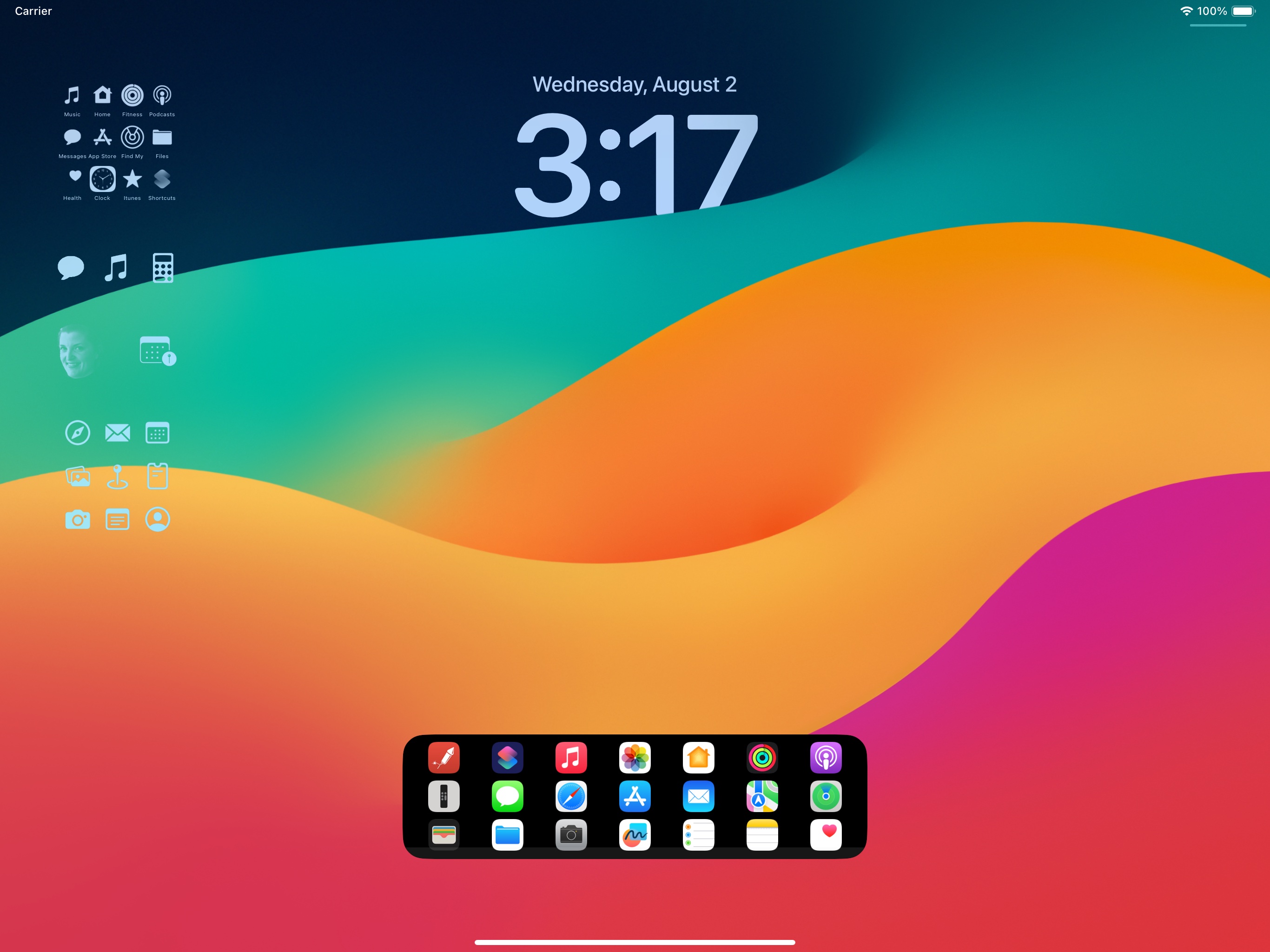
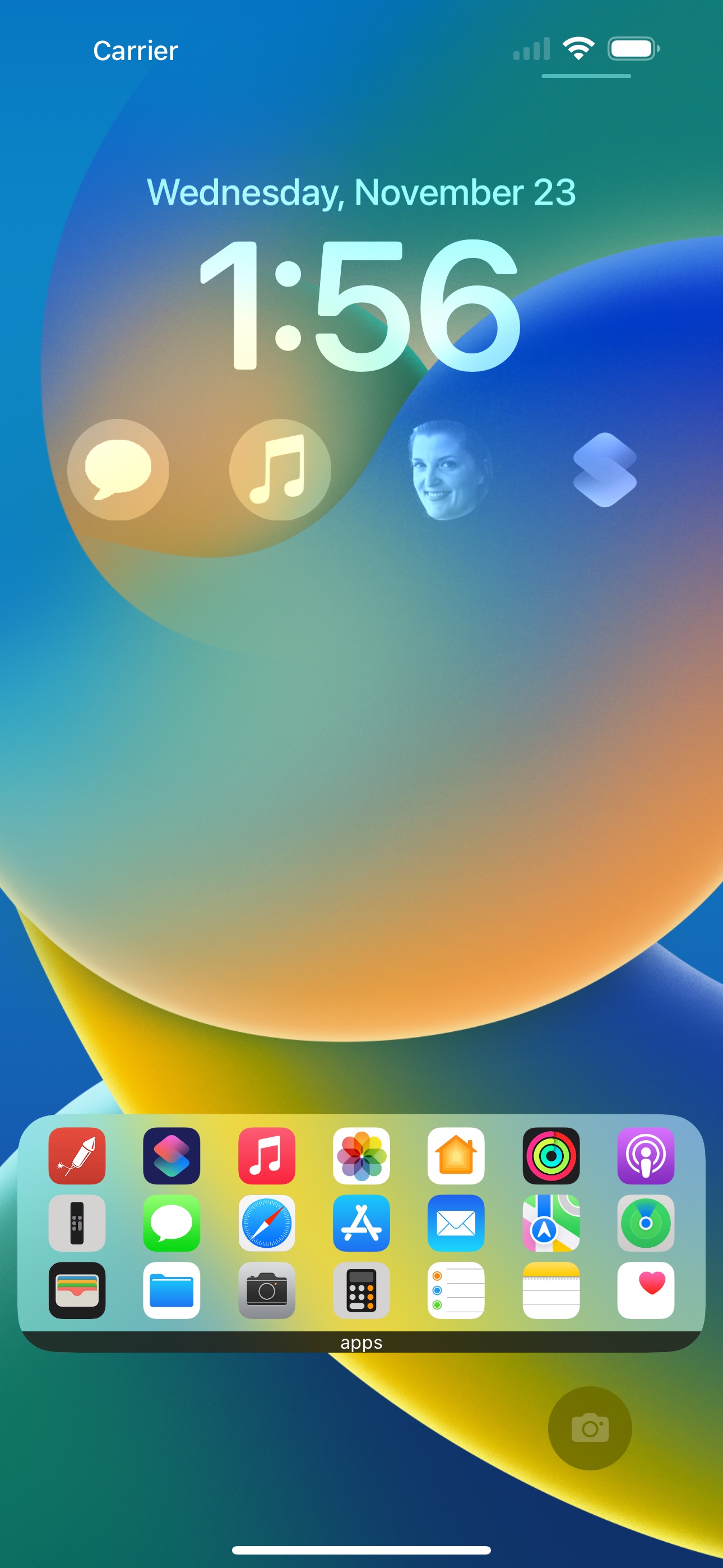
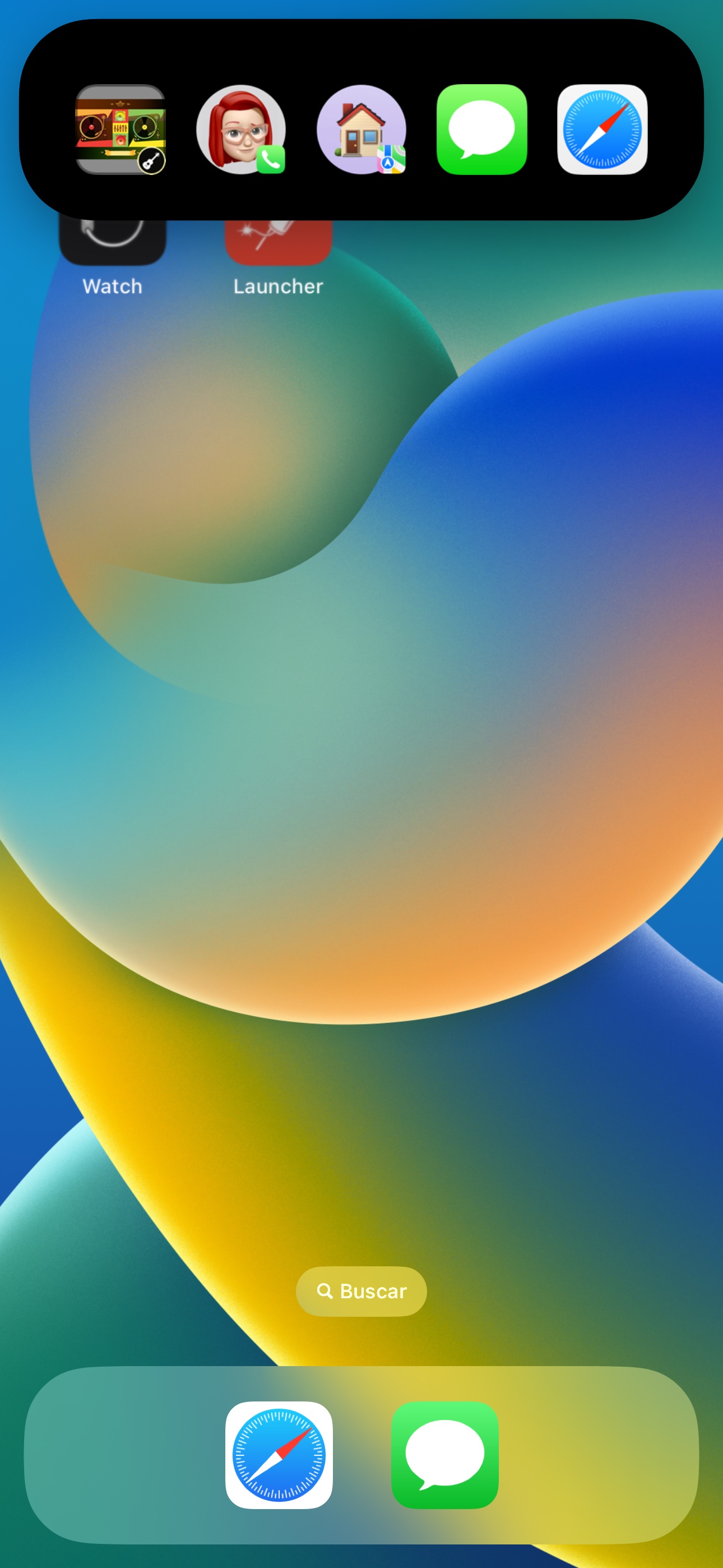
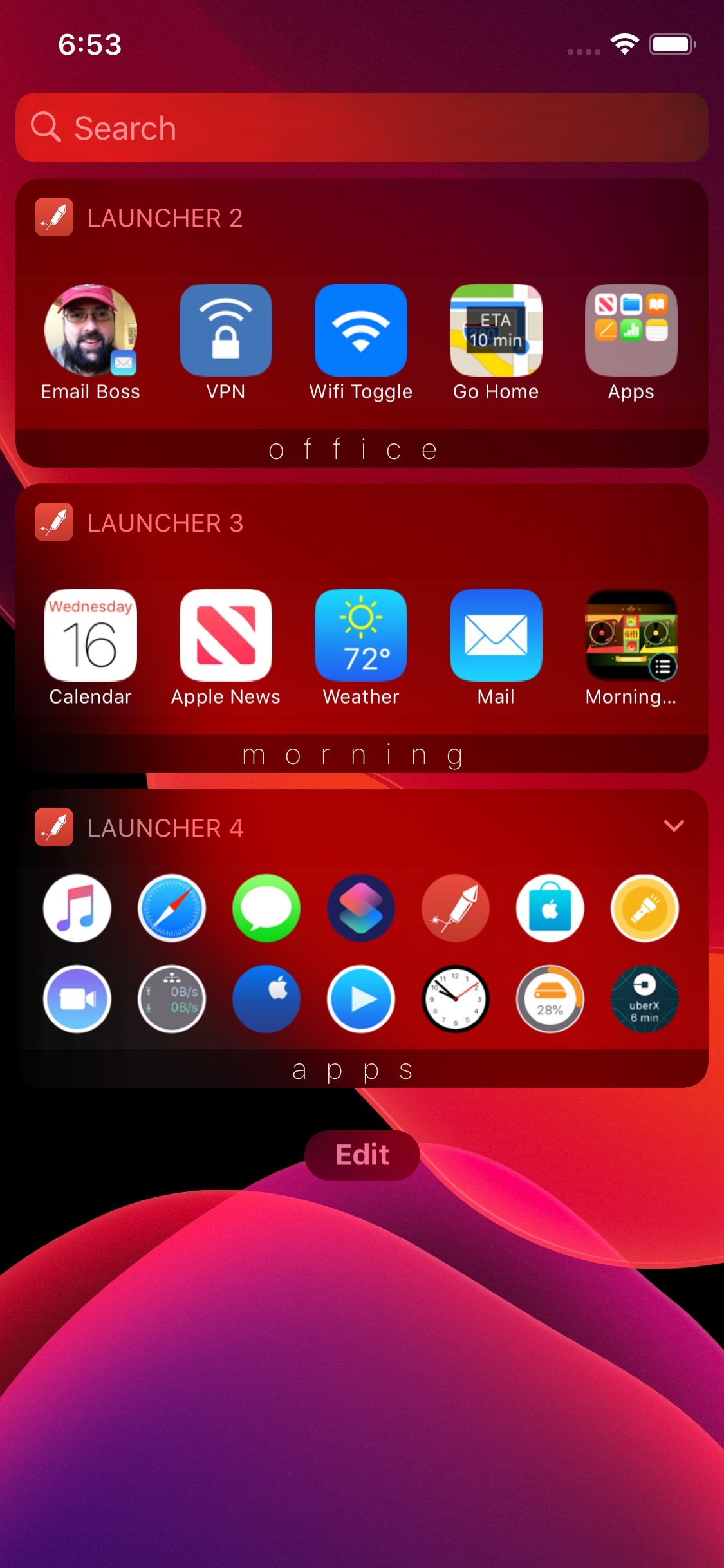
Starting with iOS 14, Launcher 5 brought its insanely useful widgets to your iPhone Home Screen. With iOS 16, Launcher v5.4 brought those same widgets to your Lock Screen, Dynamic Island, and Watch Faces. Now with iOS 17, Launcher brings interactive widgets, including folders, multi-contact launchers, and music controls to your Launcher widgets as well as Lock Screen widgets on iPad.
Download

What is new in v5.5?
Launcher 5.5 brings interactivity to your Launcher widgets on iOS 17!
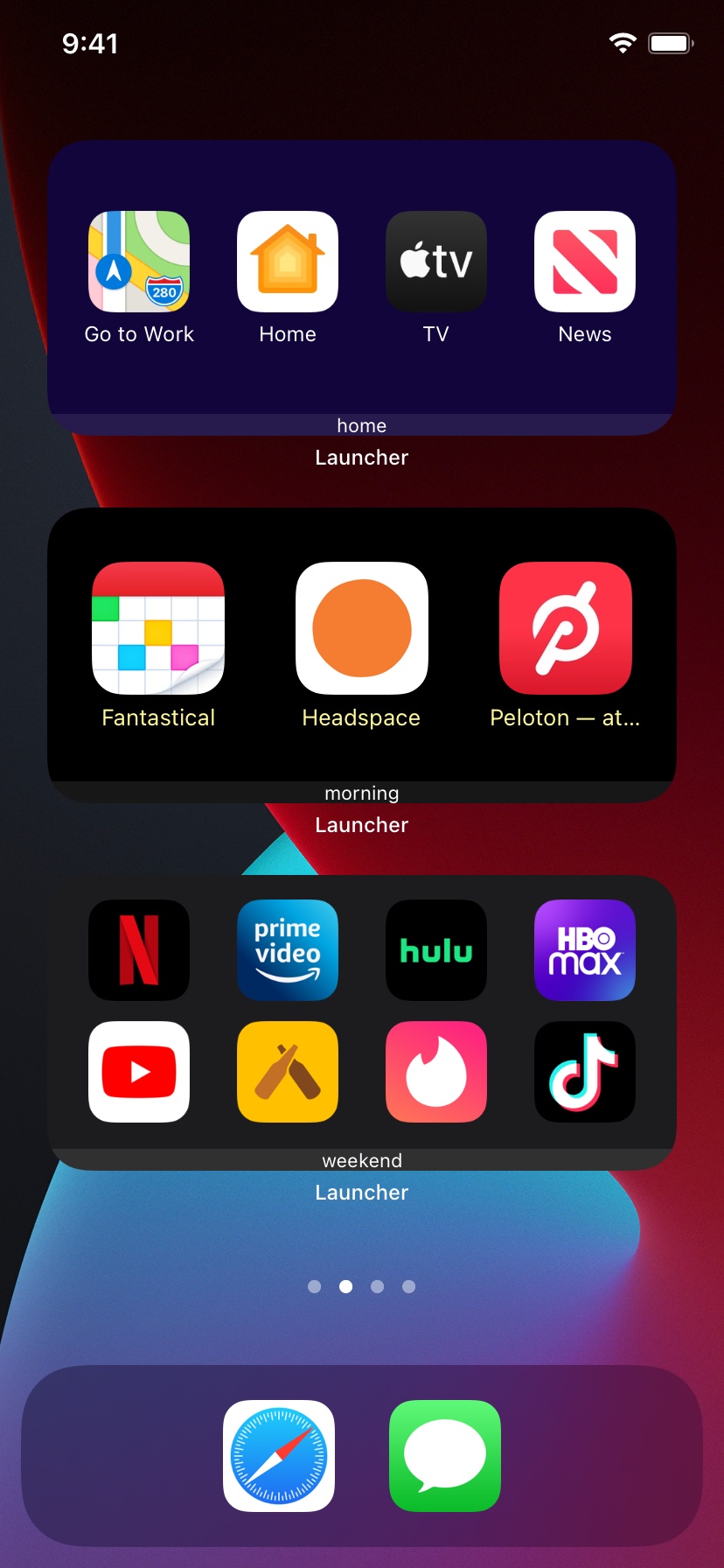
- Folders now available for new style home screen widgets. Allows for slick nesting of Launcher widgets.
- Multi-Contact Launchers now open inside new style home screen widgets. One tap to contact your friends quickly.
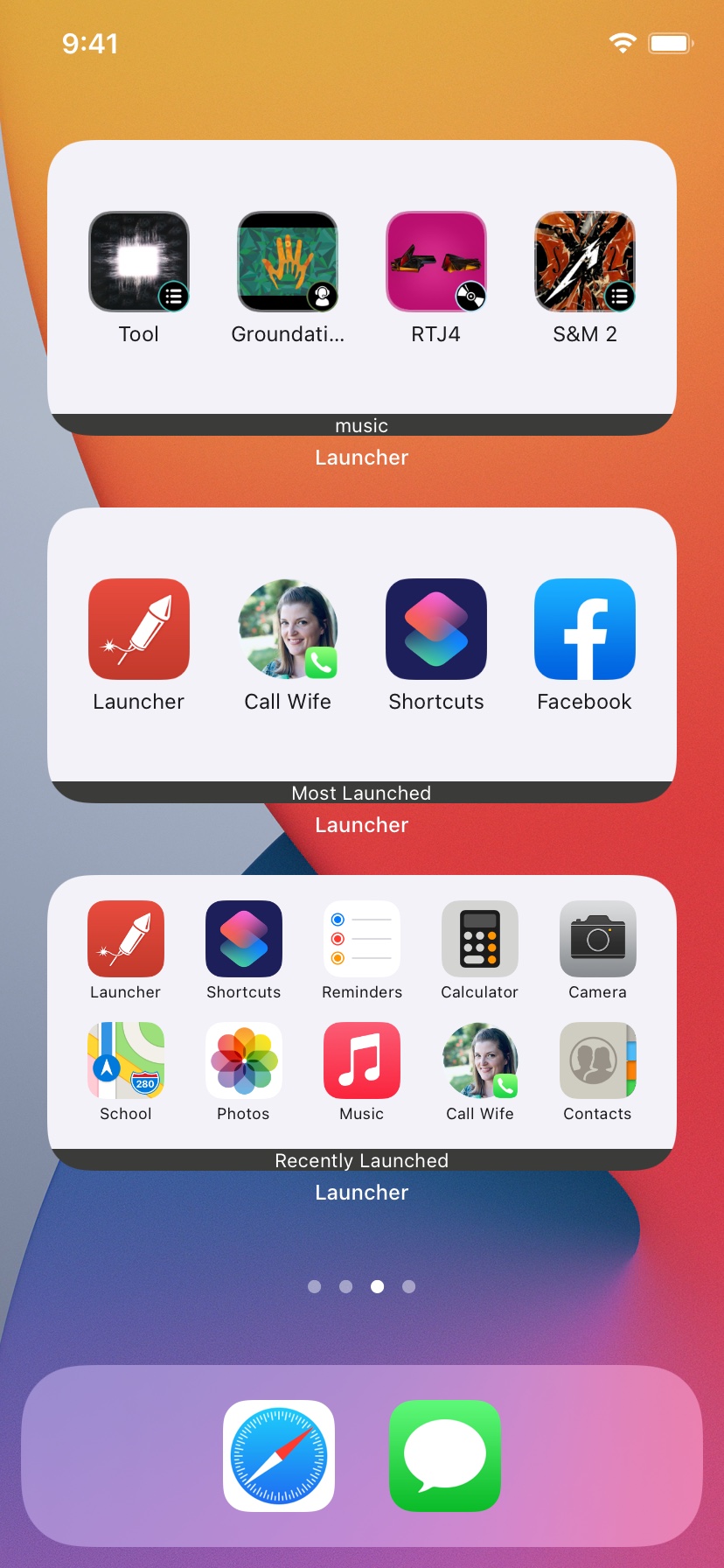
- You can now add music controls to new style home screen widgets. These work great with Music Launchers.
iOS 17 also brings more improvements to Launcher widgets like:
- Small New Style Home Screen widgets can now have multiple launchers in iOS 17! Add up to 12.
- New multi-launcher rectangular lock screen widgets in iOS 17 can have up to 6 launchers each. This means you can have 12 launchers in the widget area of the lock screen.
- Lock Screen and Small New Style widgets can be added to the lock screen in iPad OS 17.
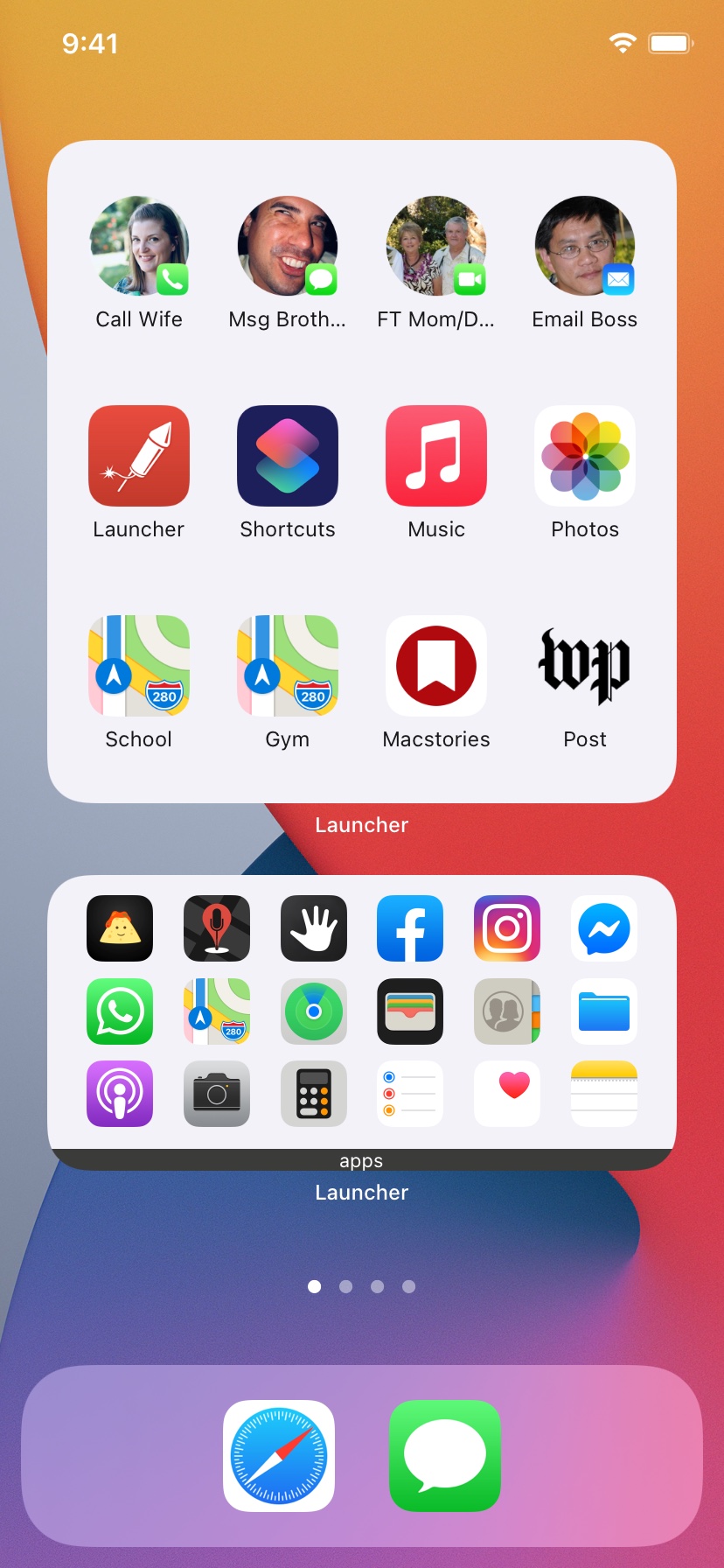
Launcher Widgets on your Home Screen, Lock Screen or Dynamic Island allow you to tap an icon to:
- Call, message, FaceTime, or email a contact.
- Get directions to a location or your next event.
- Start playing any artist, album or playlist in Apple Music.
- Quickly access your favorite websites.
- Launch actions within apps like Compose Tweet or Run Shortcut.
- Turn Wifi, Bluetooth, Low Power Mode, DND, Cellular Data, and Airplane Mode on and off.
- Launch any app on your device.
Who created it?
What does it cost?
Launcher is free to download. With the free version, you can create one Lock Screen, Watch Face, Home Screen, and classic widget to try it out.
With the Premium Version upgrade, you can unlock an unlimited number of new widgets, plus up to 6 classic widgets. Launcher Premium currently costs $9.99 in the US.
v5 iPhone Screenshots
Logo